💡 Raiffeisen Bank has joined the government program "SvitloDIM"
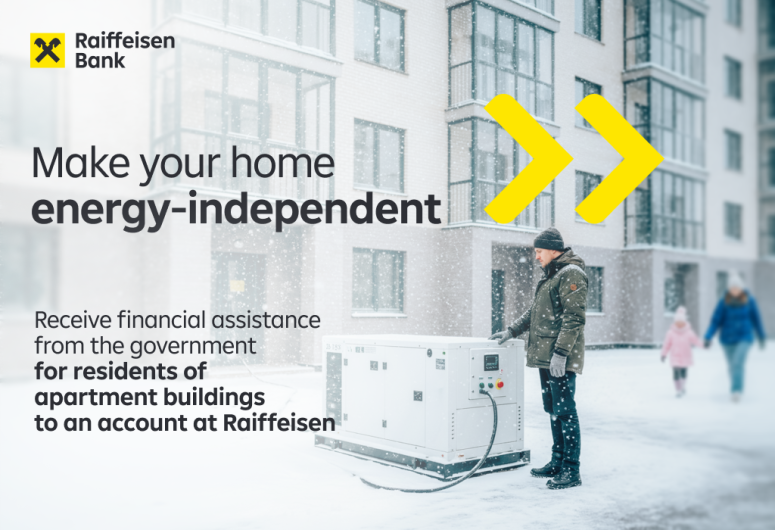
💡 Raiffeisen Bank has joined the government program "SvitloDIM"
The "SvitloDIM" program is aimed at supporting Ukrainian families and increasing the resilience of apartment buildings against power outages.
Who can apply: Condominium associations (OSBB), apartment building managers, as well as housing construction, residential, and service cooperatives can receive financing up to UAH 300,000 under this program to purchase equipment for autonomous building operation. This includes gasoline, diesel, and gas generators, inverters, high-voltage battery control units, batteries, and solar panels.
💻 To apply for assistance, follow the link 👉 https://svitlodim.gov.ua/
📌 At the first stage, the program operates for Kyiv and Kyiv region only.
✏️ To submit an application under the program, you need to open a separate current account in hryvnias at the bank with a special usage regime. Opening and servicing this account is free of charge, and no fees are charged for payments from it.
At Raiffeisen, you can open this account remotely without visiting a branch:
- In the Raiffeisen Business Online web version, create a Message ⏭️ in the "OSBB" category ⏭️ with the subject "OSBB. Opening an account with a special usage regime";
- The Application template for completion is attached to the message—download the template, fill it out, and attach it to the message (instructions in the message will assist you).
The opened account will be available in Raiffeisen Business Online, and you will also receive a separate message from the bank confirming the account opening + an Account Opening Certificate.
🤝 After your financing application is approved by the "SvitloDIM" program and funds are credited to your special account, to pay for the equipment purchase you must provide the bank with a payment instruction and supporting documents:
- In the Raiffeisen Business Online web version, create a Message ⏭️ in the "OSBB" category ⏭️ with the subject "OSBB. Submission of document package for equipment payment";
- The Payment Instruction template for completion is attached to the message—download the template, fill it out, sign it with a Qualified Electronic Signature (QES), and attach it to the message (instructions in the message will assist you);
- Attach the supporting documents to the message as well—no separate signature is required.